FEATURES
Create and share powerful content
Explore how our intuitive features empower seamless content creation, connection, and growth

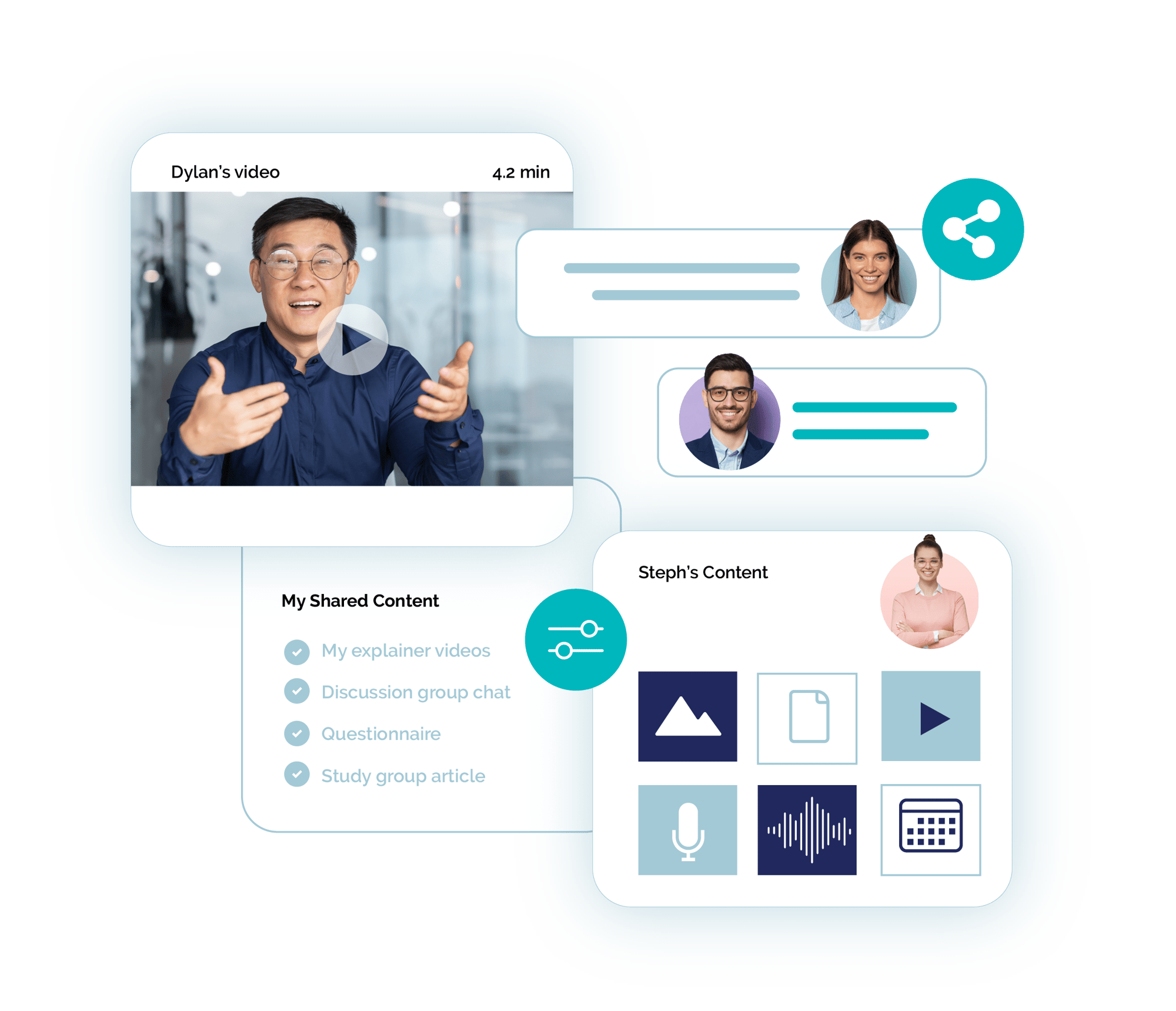
The all-in-one platform for creators to share amazing content
Creating and sharing content is a breeze; bring in exisiting content or start from scratch. Easily share with your private, closed groups, edit, duplicate and re-share with new ones, and keep everything up to date.
Cloud-based storage empowers you to share, publish, or edit on the fly and your groups stay updated through push notifications. Our intuitive, searchable, and filterable Feeds ensure your groups have all upcoming information and events in the one place.
All the tools you need to engage your community
Watch our demo to see how you can create captivating content and meaningful interactions.
CONTENT MANAGEMENT
Create content easily and share in a few clicks
All these elements in one space
| Video sharing | Chat |
| Embed podcasts | Question and answer |
| Audio files | Comments |
| Images | Typeset articles |
| Photo galleries | Events |
| Tables | Links |
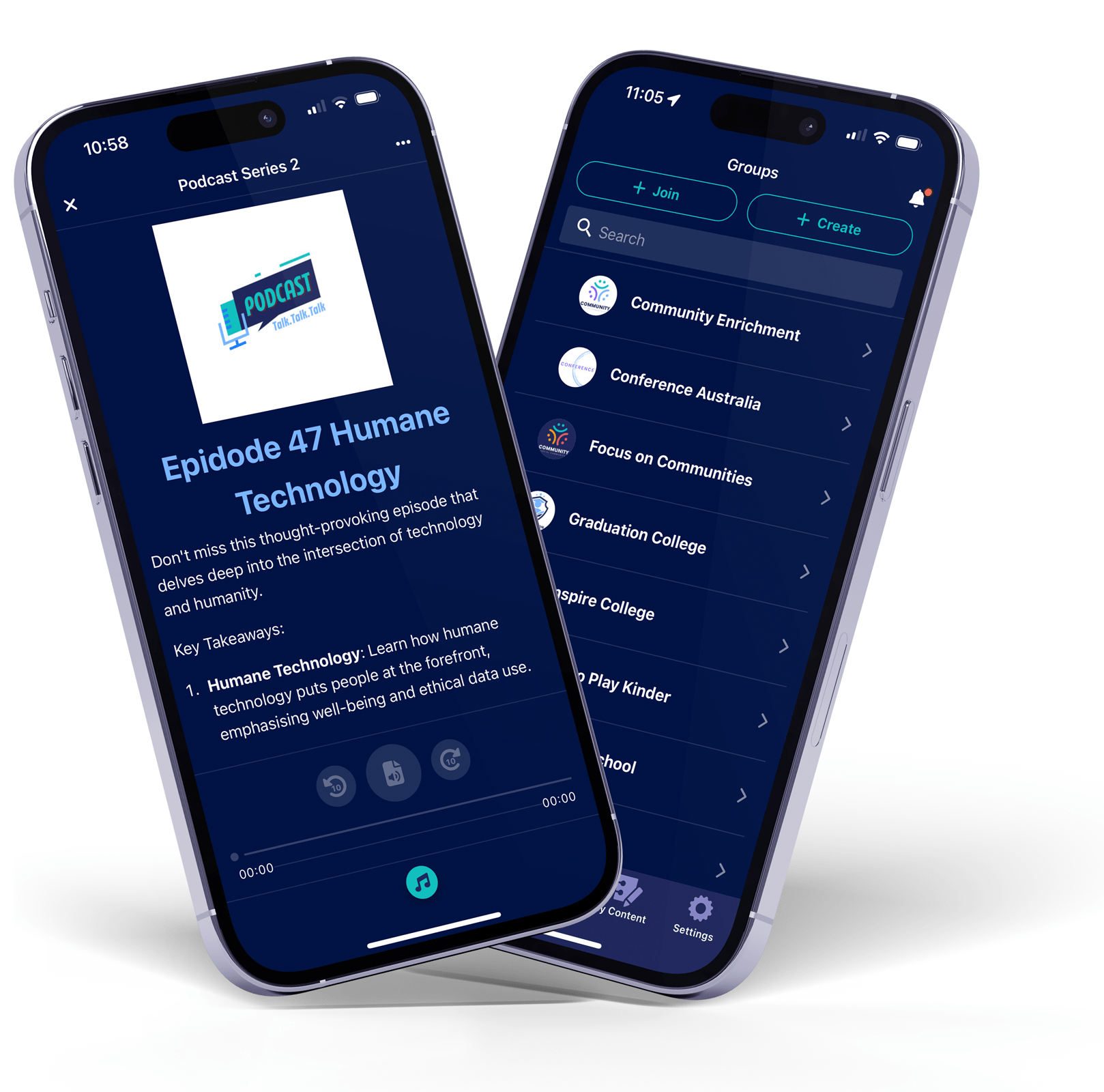
Create and share directly from your pocket
Update on the go - if you've got your phone, you can manage your content and community
Choose how to deliver your message
Add all your members to a closed, in-app group
Create a personalised link to share via a website
GROUP MANAGEMENT
Facilitate group engagement
Dedicated space
Bring your people together in a dedicated space for your members to engage with you and each other.
Empower group leaders
Enable specific members of your community to manage, publish to or moderate the groups you create.
Nested groups
Manage an expansive network of nested (sub) groups effortlessly using the organisation admin dashboard.
Full moderation
Tailored levels of control over content, groups and group roles. Get immediate notifications of new publications. Edit or delete as needed.
Platform FAQs
Will you keep updating the app?
We are constantly improving the platform and have a very efficient process of sending internal updates to the app, without you needing to go back to the app stores or website.
For example, in a 12 month period we had only 2 app store updates, whilst pushing 79 internal updates - making it faster, easier, and all users are up to date automatically!
Is The Hub App a CRM (Customer Relationship Management)?
We often see that organisations have different distinct needs from digital platforms and who within the organisation engages with these platforms.
Internal: A CRM‑style tool internally to manage records such as contacts, compliance, sales, fundraising, or reporting. This is typically a platform which is managed by staff.
External: Separately, and just as importantly, they need an external front‑facing digital space designed specifically for members and groups. A place where groups are facilitated, content is created and shared, events are experienced, and relationships can grow within a consistent, digitally compliant environment.
The external need is where The Hub fits particularly well. It is not a CRM, nor does it need to be tightly coupled to one. It is designed to bring groups to life through structured journeys, tailored roles, shared content, communications, events, with organisational oversight, all centred on the member experience.
Where does The Hub fit best within an organisation's digital strategy?
The Hub app has a unique place to empower and solve common problems for organisations. Most orgs will require four areas of digital solutions:
1) Internal platform (STAFF). A platform to co-ordinate your team. Team and project management. A small cohort of users. Functions as: Document storage, HR, Accounting, Invoicing. Examples: Microsoft365, Xero, Google Workspace.
2) A CRM (ADMIN). A platform to administrate your network. Used for lead capture, EDM's (marketing emails), reporting, sales, donor management. Usually static content and the features don't have a focus on community. eg. Hubspot, Attio, HighLevel.
3) External platform (COMMUNITY): A platform for belonging. Managed by staff. For members. A focus on building community. Distributes content and facilities engagement with that content within groups. Gives members roles and an outlet. Allows for top down comms (staff led) and bottom up sharing (member led). Chat. Running events. A focus on privacy and safety for users eg. The Hub app
4) Outside facing comms (WIDER): Platforms for getting the word out and expanding your network and influence. Broadcast type communication such as socials and the website. More public than private. Functions as: advertising, creating brand awareness. eg. Instagram, YouTube, X.
NOTE: For lean and small organisations, The Hub can also support a level or CRM and Internal Team functions. Covering the first 3 areas above
Does The Hub integrate with other platforms?
Yes, indirectly. The platform is called 'The Hub' because it can function as a hub for just about any shared content online. For example, forms from your CRM or tickets for your event, google maps, or media hosted elsewhere can be linked to and shared within The Hub app. Note: where possible, is it preferable to host assets directly on The Hub platform for compliance, updates, and functionality.
Spreadsheet Importing
The Organisation Hub within The Hub platform contains tools for assisted group creation and user management via spreadsheets. Any other platform which allows for data exporting to .csv files can import content to The Hub.
Content Exporting
All created content on The Hub app can be exported by the content owner to PDF (Portable Document Format). Allowing for saving and archiving, printing or editing in another platform.
The Export to PDF function can also be switched on for shared content so viewers can also save or print shared content. Note that this function is off by default.
APIs
(Application Programming Interface) APIs can allow for software platforms to communicate directly with each other. Whilst direct integration is very important for digital solutions such as CRM's, as a community platform The Hub is designed with safety at its core, and therefore we have not allowed third party software to access user data directly from The Hub app.
Do you measure engagement on the platform?
Healthy Engagement
The Hub makes it easy to create and share content, and simple for people to access that content. It is designed so people can utilise the platform for information and community for an appropriate amount of time. There are no incentives to keep people scrolling or distracted.
No algorithms or ads
It is very intentional that The Hub app does not track or employ any algorithms on the entire platform. These techniques are usually employed by big tech to keep people on the platform to generate revenue from advertising and engagement. There are no ads on The Hub.
Stats and Reporting
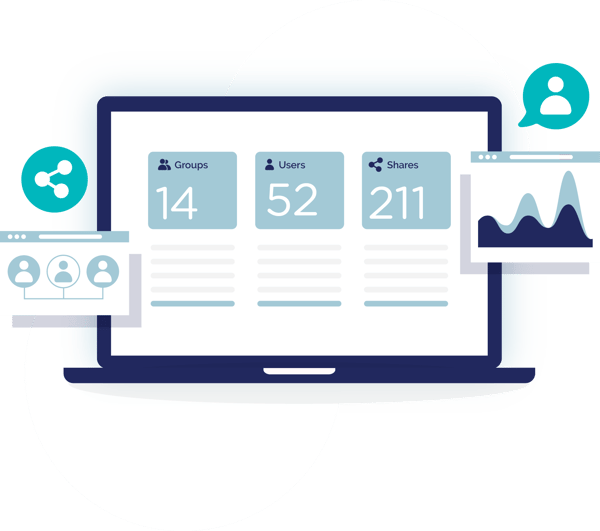
It is still important to know that your content has been seen, and who is in your groups. Content owners can view metrics on the engagement of their content directly from the feeds, and Group Admins can view group numbers and roles from the Members view and Organisation Hub.
Can content be copied or media downloaded from The Hub app?
Protection by Default
The platform is designed for closed and private groups. The intention is to offer a safer way to share photos and media, with a high level of protection content sharing and safety for users.
Saving of all media such as images, videos, and audio files from shared content and chat is disabled.
Groups can also remove selection of text in shared content to protect the content owner's IP. (see 'Group Settings' in the Tutorials).
All media and content is protected and can't be shared to other platforms online via the app.
Intentional Sharing
However, sometimes it is useful and appropriate to distribute assets and The Hub app has functions to facilitate this. For example, an 'Export to PDF' option can be intentionally switched on by the content owner for shared content to enable exporting, and the 'Files' option within content can allow for any file to be uploaded within content on The Hub app for downloading once the content is shared to group members.
How does the platform protect users and organisations?
The Hub platform prioritises safety but creating:
- a transparent environment with accountability
- thorough reporting options
- protection for all user's privacy
- keeping records for organisations
Protecting Users
The platform gives users the option to report any content and give context about the report. This report goes to The Hub support team and upon a report, policies govern the appropriate steps to deal with the issue.
Users cannot be directly contacted by other users on The Hub app, as all integration is done via groups and membership to groups is always with permission. All chat messages are viewable to all group members (Group Admins can remove messages if required - but those message can still be accessed in the system if a report is made).
If a user's privacy setting is higher than a group they are a member of, it will override a group's settings so the user is protected.
Groups have tailored roles and many options for how members will engage safely including being able to keep members private and turn off chat for the group.
Protecting Organisations
Every time a user hits share on content a 'snapshot' is generated. Snapshotting is useful for keeping content up-to-date as it will load the latest version each time a user requests the content, but it also has the benefit of keeping a record of all shares. Nothing can be shared on the platform without it being recorded for future reference if required.
This creates a transparent platform, built on accountability and records which allows organisations with 'high governance needs' to feel protected. eg. non-profits, schools, community groups.
For more information visit our Privacy and Safety Centre
Is The Hub allowed for Under 16s in Australia?
The world-first Social Media Minimum Age (SMMA) obligation was made into law in Australia from 10 Dec 2025.
The Hub app has received the preliminary view that the platform is except from the SMMA.
This is a strong endorsement of the fact that the app has been developed with the e-Safety framework (2021) at its core, and stands as an alternative to the platforms which are banned for youth in Australia. Also highlighting the platform isn't only safe for young people, but all people falling under an organisation's duty of care. More info here.
A native app that works on any device
The Hub supports all major devices and can be installed by your user groups on iOS, Android, Windows and Mac.
This means it's easy to use, convenient for groups and more secure.


Privacy and safety are non-negotiable
Build a space where your community feels safe
-
Ad free
-
Spam free
-
Algorithm free