SUPPORT
Internet Tests
Connection Diagnosis
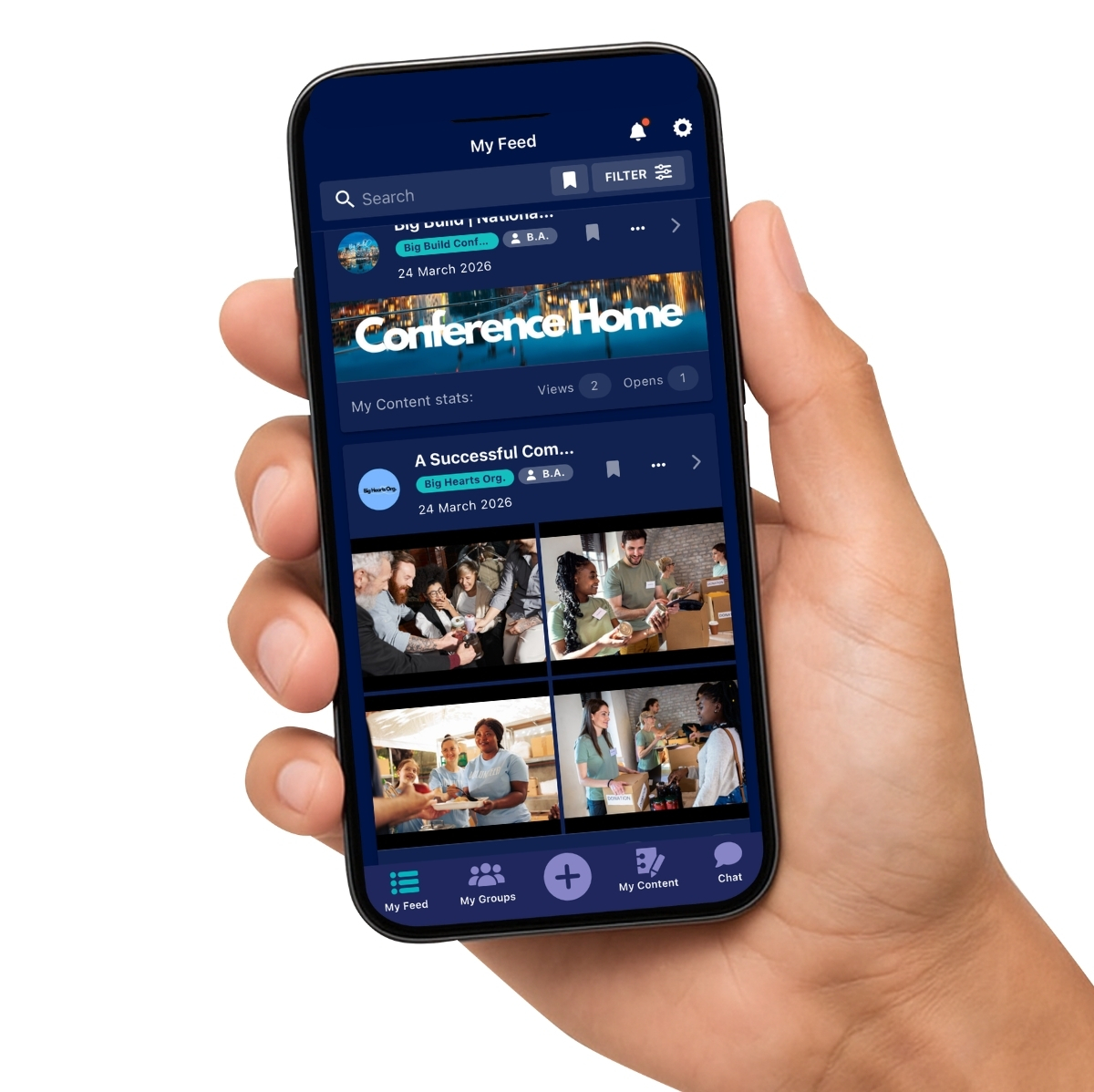
The Hub platform is an online (cloud‑based) app, so it requires a stable internet connection to work properly. Internet connections vary greatly and involve multiple factors. To assist you in having the optimal experience on The Hub app, we have provided this guide to help quickly identify and fix common connection issues.
Quick Check
|
|
Can you open other websites?(e.g. Google or YouTube) |
Is the problem happening on:
|
|
What is the problem like?
|
|
How are you connected?
|
When you are experiencing any connection issues (eg. video playback), please proceed with these tests to hone in on the reason. The two main factors are:
1) Your Setup (localised context - your equipment, location and internet provider)
2) The Platform (what you are accessing - eg. The Hub app)
1) Your Setup
The first step is confirming the quality of your internet connection. The app works on basic internet, but external factors can easily affect performance. Connections typically consist of these elements:
- The ISP - Internet Service Provider**
- The Modem - connects your location to the internet via the ISP
- The Router - shares the internet eg. wifi or cable
- Your Device - the computer or handheld device connected to the router
If any of these elements are sub-par, it will affect the overall connection and internet experience.
Things You Can Try
While you’re in the location where the problem is happening:
- 📊 Run a speed test*
(Check both download and upload speeds) - 📱 Try a different internet connection
For example, use your phone’s hotspot and compare results - 🖥️ Test another device
See if the problem happens on more than one device - 📶 Move closer to the Wi‑Fi router
Wi‑Fi is usually stronger when you’re nearby - 📍 Try a different location
If it works elsewhere, the issue may be with your usual connection
2) The Platform
The highest data requirement on The Hub app will be streaming videos. The Hub's video player will download the video in sections to buffer the connection for smooth playback. Typically a video should only require the device connected to have speeds of 4-8 Mbps or more.
However, the geographic location of a user can affect the delivery of videos on The Hub app. Once you have tested your connection (steps above), and know that you have more than 4 Mbps, you can go through the further steps below to check video playback and test geographic delivery of services:
-
When playing videos, do they often stop or pause to load (buffering)?
-
Does this happen with long or short videos?
- Do videos play smoothly on YouTube on the same device/connection (select HD 1080 quality on YouTube)
If you are experiencing slower videos on The Hub compared to YouTube, please undergo this test* and send us the results.
Other Solutions
-
Restart your device (turn it off, then on again) and relaunch The Hub app
-
Restart the router/modem (turn the device off, wait for 30 sec, then turn it back on). Wait for the internet connection to be establish then relaunch the app. This will re-establish all connections
-
Check for OS updates on your device
- If your device is running slow, it can be because it has run out of resources. Free up your device by quitting any unused apps running in the background and make sure your device's storage isn't full
- Contact your Internet Provider (ISP)** if your speed test results are slower than expected (check your ISP's 'typical speeds' listed for your service)
- Contact The Hub Support Team for app related issues by filling out the form on the Support Hub page. It helps us if you can list as much contextual information and any relevant results from the tests or investigations listed above
*Note: The internet tests and links on this page are external providers and not affiliated with The Hub. The tests are standard internet diagnostic tools, but may contain advertising or other links. The Hub takes no responsibility for the content on these external sites.
**For Australian users, The ACCC regularly publishes an NBN Broadband report listing speeds, outages, and what to expect with major broadband providers. Australian homes with school aged children may qualify for free NBN home internet service available until 30 June 2028.